
Discover the ultimate guide to choosing the best plugins for WordPress. Improve SEO, speed, and security with the right tools for your site.
WordPress plugins are essential tools for enhancing the functionality and performance of your website.
They are designed to add specific features and capabilities to your WordPress site, such as contact forms, social media integration, SEO optimization, and more.
The purpose of WordPress plugins is to extend the core functionality of the platform and provide users with the ability to customize their websites to meet their specific needs.
Whether you are a blogger, business owner, or developer, understanding the purpose of WordPress plugins is crucial for optimizing your website and providing a better user experience.
WordPress plugins are created to address specific needs and requirements, such as improving site speed, enhancing security, or adding new features.
They are developed by third-party developers and can be easily installed and activated within the WordPress dashboard.
With thousands of plugins available in the WordPress repository, it’s important to carefully evaluate the purpose of each plugin before installing it on your website.
By understanding the purpose of WordPress plugins, you can make informed decisions about which ones are best suited for your website and avoid cluttering your site with unnecessary or redundant features.
Evaluating the Performance and Security of Plugins
When evaluating WordPress plugins, it’s important to consider their performance and security implications.
Poorly coded or outdated plugins can slow down your website, affect its overall performance, and even pose security risks.
Before installing a plugin, it’s crucial to research its performance and security track record to ensure that it meets your website’s requirements and standards.
Look for plugins that are regularly updated, have a good reputation for performance, and are actively supported by their developers.
In addition to performance, security is another critical factor to consider when evaluating WordPress plugins.
A poorly coded or insecure plugin can leave your website vulnerable to cyber attacks and compromise the safety of your data and user information.
It’s important to research the security measures implemented by plugin developers and ensure that they follow best practices for securing their code.
By evaluating the performance and security of plugins before installation, you can minimize the risk of potential issues and ensure that your website remains fast, reliable, and secure.
Researching User Reviews and Ratings

User reviews and ratings are valuable sources of information when researching WordPress plugins.
They provide insights into the experiences of other users who have installed and used the plugin, helping you make informed decisions about its suitability for your website.
Before installing a plugin, take the time to read user reviews and ratings to gauge its overall performance, reliability, and user satisfaction.
Look for patterns in user feedback, such as common issues or positive experiences, to gain a better understanding of the plugin’s strengths and weaknesses.
When researching user reviews and ratings, pay attention to the specific features and functionalities that users praise or criticize.
This will help you determine whether the plugin aligns with your website’s needs and goals.
Additionally, consider the frequency and recency of user reviews to ensure that they reflect the current state of the plugin.
By researching user reviews and ratings, you can gain valuable insights into the real-world performance and usability of WordPress plugins, helping you make informed decisions about which ones to install on your website.
Considering Compatibility with Your WordPress Theme and Other Plugins

Compatibility is a crucial consideration when evaluating WordPress plugins for your website.
Not all plugins are compatible with every WordPress theme or other plugins, which can lead to conflicts, errors, or unexpected behavior.
Before installing a plugin, it’s important to research its compatibility with your WordPress theme and other plugins to ensure seamless integration and optimal performance.
Look for information provided by the plugin developer regarding compatibility with different themes and plugins, as well as any known conflicts or issues that may arise.
When considering compatibility, it’s important to test the plugin in a staging environment or on a backup of your website to assess its impact on your theme and other plugins.
This will help you identify any potential conflicts or issues before deploying the plugin on your live website.
Additionally, consider reaching out to the plugin developer or community for guidance on compatibility with specific themes or plugins if you have any concerns.
By considering compatibility with your WordPress theme and other plugins, you can avoid potential conflicts and ensure that the plugin seamlessly integrates with your website.
Assessing the Support and Updates Provided by Plugin Developers

The support and updates provided by plugin developers are essential factors to consider when evaluating WordPress plugins for your website.
A well-supported plugin with regular updates indicates that the developer is actively maintaining and improving the plugin, addressing any issues or vulnerabilities, and providing ongoing support to users.
Before installing a plugin, research the support options available from the developer, such as documentation, forums, or direct customer support channels.
Additionally, look for information about the frequency of updates and the developer’s commitment to maintaining the plugin over time.
When assessing support and updates, consider how responsive and helpful the developer is in addressing user inquiries or issues.
Look for evidence of active community engagement and a commitment to addressing user feedback and concerns.
Additionally, review the update history of the plugin to ensure that it receives regular updates that address security vulnerabilities, compatibility issues, and new features.
By assessing the support and updates provided by plugin developers, you can ensure that you have access to reliable assistance and ongoing improvements for the plugins installed on your website.
Exploring the Features and Functionality of Different Plugins
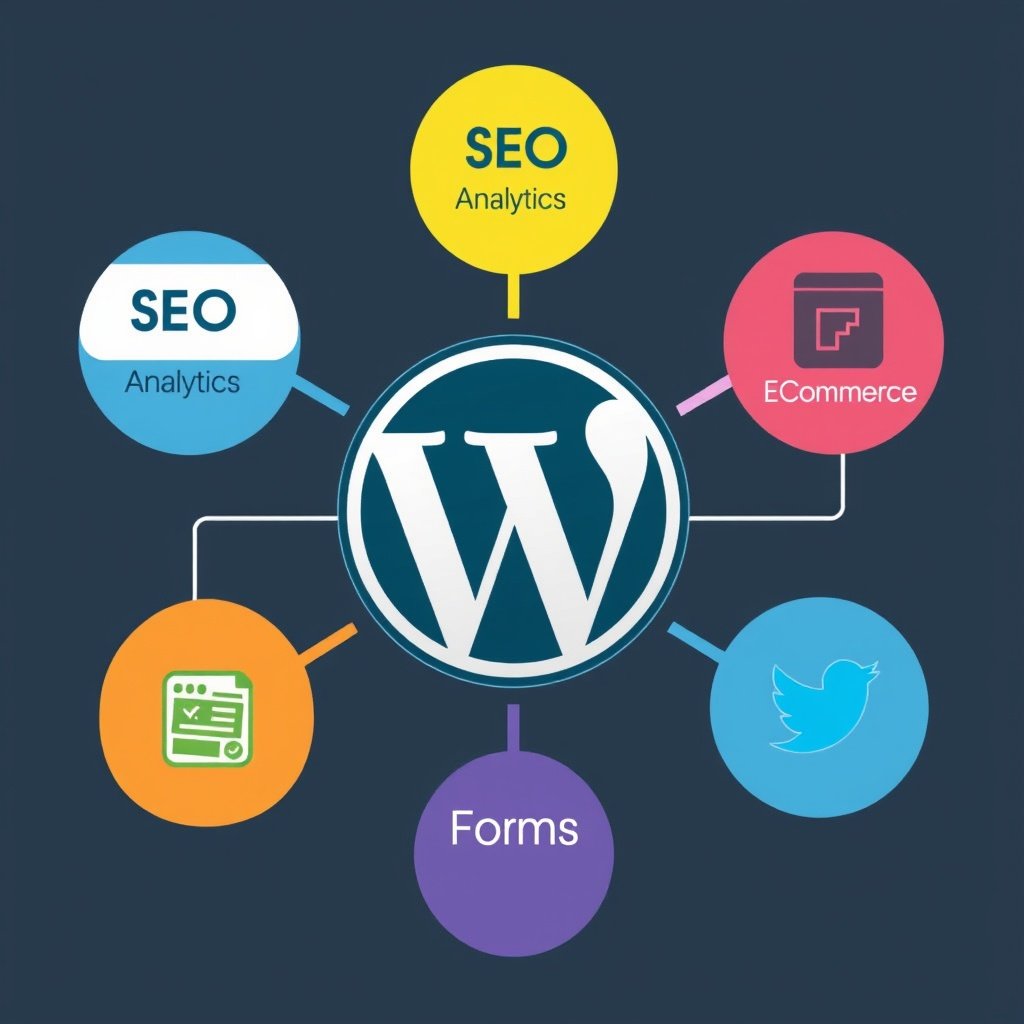
The features and functionality of WordPress plugins play a significant role in determining their suitability for your website.
Before installing a plugin, it’s important to explore its features and functionality to ensure that it aligns with your website’s needs and goals.
Consider the specific capabilities offered by the plugin, such as contact forms, social media integration, e-commerce functionality, SEO optimization, or performance enhancements.
Additionally, assess how these features integrate with your existing website setup and whether they provide value to your users.
When exploring features and functionality, consider how intuitive and user-friendly the plugin is in terms of configuration and customization.
Look for plugins that offer a balance between robust functionality and ease of use, allowing you to achieve your desired outcomes without unnecessary complexity or technical barriers.
Additionally, consider how well the plugin integrates with your existing workflows and content management processes to ensure a seamless user experience.
By exploring the features and functionality of different plugins, you can identify those that best align with your website’s requirements and enhance its overall performance.
Implementing a Strategy for Testing and Monitoring Plugin Performance
Implementing a strategy for testing and monitoring plugin performance is essential for maintaining a stable and reliable website.
Once you have installed a plugin, it’s important to conduct thorough testing to assess its impact on your website’s performance, security, and user experience.
This may involve conducting speed tests, monitoring server resources, analyzing website metrics, or soliciting feedback from users to gauge the effectiveness of the plugin.
By implementing a comprehensive testing strategy, you can identify any potential issues or areas for improvement early on and take proactive measures to address them.
In addition to testing, ongoing monitoring is crucial for ensuring that plugins continue to perform optimally over time.
Regularly monitor key performance indicators such as page load times, server response times, error rates, and user engagement metrics to identify any changes or anomalies that may be attributed to installed plugins.
Additionally, stay informed about any security vulnerabilities or updates related to installed plugins to proactively address any potential risks or issues.
By implementing a strategy for testing and monitoring plugin performance, you can maintain a high-performing website that delivers a positive user experience while minimizing potential risks associated with installed plugins.
Conclusion
Understanding the purpose of WordPress plugins is essential for optimizing your website’s functionality and performance.
When evaluating plugins, it’s important to consider their performance and security implications as well as researching user reviews and ratings to gauge their suitability for your website.
Compatibility with your WordPress theme and other plugins should also be carefully considered along with assessing the support and updates provided by plugin developers.
Exploring the features and functionality of different plugins is crucial for identifying those that best align with your website’s requirements while implementing a strategy for testing and monitoring plugin performance is essential for maintaining a stable and reliable website over time.
By carefully considering these factors when evaluating WordPress plugins, you can make informed decisions about which ones are best suited for enhancing your website’s capabilities while minimizing potential risks associated with their installation.
Before plugins, the foundation is your website itself. Many people start with a simple blog or online store and then scale it into a full-time business.
If you’re serious about building a strong online presence, don’t miss my tutorial on How to Make a Website for Free on Google (2025).
10 Proven Strategies to Skyrocket Your Blog Traffic.
If you’re already running a WordPress website, you’re sitting on one of the best opportunities to start affiliate marketing.
By choosing the right plugins, you can easily integrate affiliate links, track clicks, and maximize commissions.
Want to learn how to turn your website into a passive income machine? Check out my complete guide on affiliate marketing.
what is Affiliate marketing and how does it work.