
Discover the top 10 free AI tool websites in 2025. From image generation to writing assistants, explore powerful AI tools you can use for free.
Artificial Intelligence (AI) has gone from being a buzzword to becoming a daily necessity.
Today, whether you’re writing an email, creating a presentation, editing a video, or building a website, AI tools can do most of the heavy lifting for you.
The rise of free AI websites has completely leveled the playing field—giving students, freelancers, business owners, and everyday users access to professional-grade tools without spending a dime.
In this complete guide, we’ll explore the Top 10 Free AI Tool Websites in 2025, explain what makes them powerful, how to use them effectively, and share useful facts and examples. By the end, you’ll know exactly which tools to add to your workflow to save time, boost productivity, and unlock your creativity.
Why Free AI Tools Are Game-Changers
Before jumping into the list, let’s understand why free AI websites are so popular:
- Cost-Effective: Professional software can cost hundreds of dollars per year. Free AI tools eliminate that barrier.
- Productivity Boost: What used to take hours now takes minutes.
- Accessibility: Students, freelancers, and small businesses can access tools once reserved for large companies.
- Creativity Support: Even people with no technical or creative background can design, write, or edit like pros.
- Scalability: Free versions are good enough to start, and you can upgrade later if needed.
💡 Fact: According to Statista, the global AI software market is expected to reach $1.8 trillion by 2030, and free tools are fueling mass adoption today.
Top 10 Free AI Tool Websites in 2025
Let’s dive into the tools that everyone—from beginners to professionals—should know about.
1. ChatGPT (OpenAI)

- Best for: Writing, coding, customer support, research.
- Why it’s great: ChatGPT acts like a virtual assistant, helping you brainstorm, generate ideas, draft content, and even debug code.
- Example use case: Bloggers use ChatGPT to generate blog outlines, while businesses use it to write product descriptions.
- Fact: Over 180 million monthly active users rely on ChatGPT, making it the most widely used AI tool worldwide.
👉 Pro Tip: Use ChatGPT with plugins or connected apps (where available) to perform advanced research and content automation.
2. Grammarly
- Best for: Polishing your writing.
- Why it’s great: Grammarly checks spelling, grammar, and punctuation but also suggests better word choices, tone adjustments, and clarity improvements.
- Example use case: A professional can ensure their emails sound confident and polite, while students can avoid grammar mistakes in essays.
- Fact: Grammarly detects 400+ types of writing issues—far beyond a basic spellchecker.
3. Canva AI
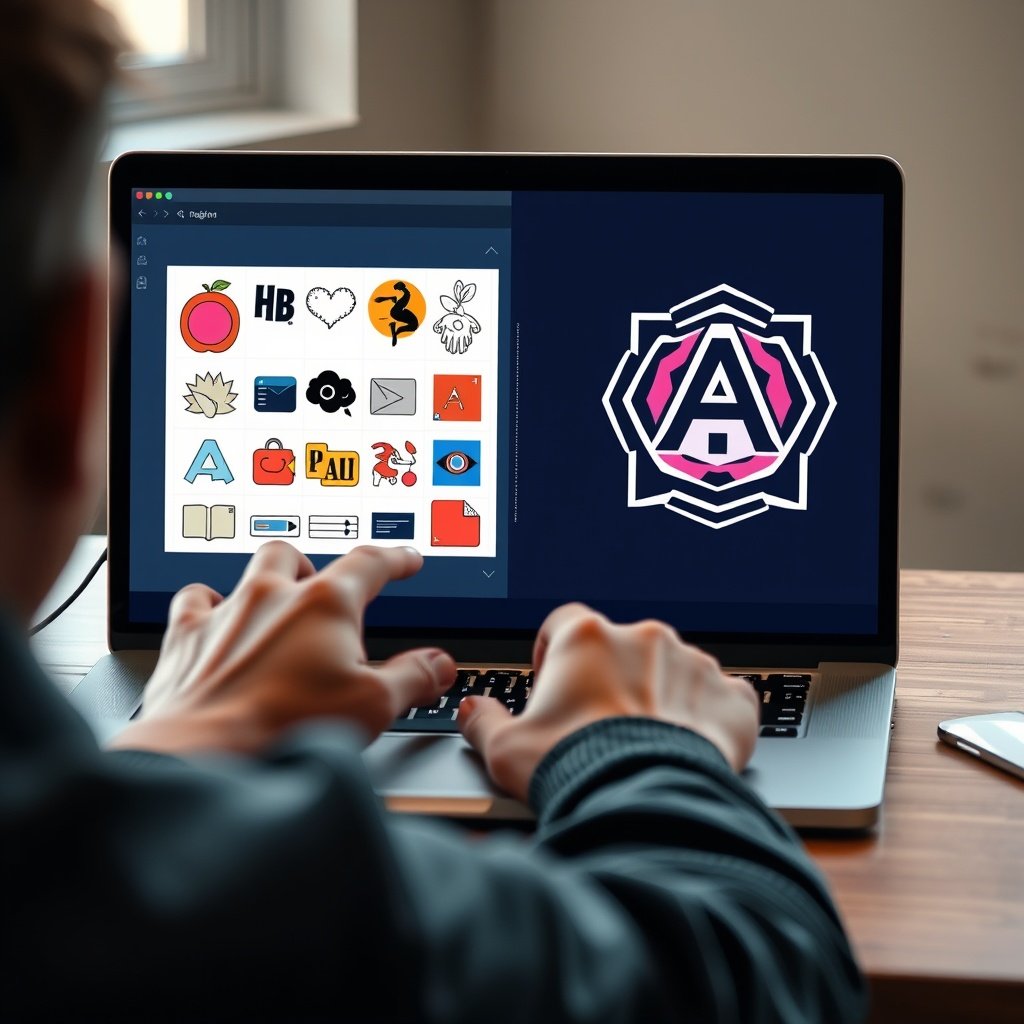
- Best for: Design and content creation.
- Why it’s great: Canva’s drag-and-drop design tools plus AI features like “Magic Write” (for copy) and AI background remover make graphic design simple.
- Example use case: A small business owner can design social media graphics, flyers, and logos in minutes—without hiring a designer.
- Fact: Canva has 170 million+ monthly users in 190 countries.
4. Jasper AI (Free Trial)
- Best for: Marketing content and business copy.
- Why it’s great: Jasper is trained specifically for business and marketing, making it perfect for sales copy, ads, and product pages.
- Example use case: A marketing manager can generate 10 variations of an ad headline in seconds.
- Fact: Jasper AI was one of the first AI writing tools to cross $100M in annual revenue.
5. Pictory AI
- Best for: Turning text into engaging videos.
- Why it’s great: Just paste your script or blog, and Pictory automatically generates videos with stock footage, captions, and background music.
- Example use case: YouTubers and social media creators use Pictory to quickly create shorts, reels, and explainer videos.
- Fact: Pictory users report saving 80% of their video editing time.
6. QuillBot
- Best for: Paraphrasing and summarizing.
- Why it’s great: QuillBot lets you rephrase content in different tones while keeping the meaning intact—great for rewriting essays, blogs, or research notes.
- Example use case: A student can paraphrase complex research into simpler words for better understanding.
- Fact: QuillBot is trusted by 30 million+ people worldwide.
7. DeepL Translator

- Best for: Accurate translations with human-like fluency.
- Why it’s great: Unlike Google Translate, DeepL understands context better, producing more natural sentences.
- Example use case: Businesses expanding globally use DeepL to translate contracts, marketing campaigns, and customer emails.
- Fact: DeepL supports 30+ languages with advanced contextual understanding.
8. Durable AI

- Best for: Instant website creation.
- Why it’s great: Durable AI builds entire websites in seconds by asking a few simple questions about your business.
- Example use case: A freelancer who needs a portfolio can generate a website instantly without coding or design knowledge.
- Fact: Durable has already generated 3+ million websites.
9. Copy.ai
- Best for: Short-form content like product descriptions, ads, and emails.
- Why it’s great: Copy.ai creates compelling, conversion-focused content that’s perfect for marketing teams.
- Example use case: An e-commerce store can generate hundreds of product descriptions in a single day.
- Fact: Trusted by 10,000+ companies globally, including big brands.
10. Runway ML

- Best for: AI-powered video editing and creative effects.
- Why it’s great: Runway lets creators remove backgrounds, generate new video scenes, and add effects using AI.
- Example use case: Filmmakers used Runway to edit the Oscar-winning film Everything Everywhere All at Once.
- Fact: Runway is quickly becoming a favorite among YouTubers, filmmakers, and marketers.
Bonus Tools to Explore in 2025
While the top 10 tools are must-haves, here are some bonus free AI websites worth exploring:
- Descript – Podcast and video editing with AI transcription.
- MidJourney (Free Trial) – AI art and image generation.
- Notion AI – Productivity tool with AI writing support.
- Lumen5 – AI video creation from blog posts.
How to Choose the Right AI Tool (Step-by-Step Guide)
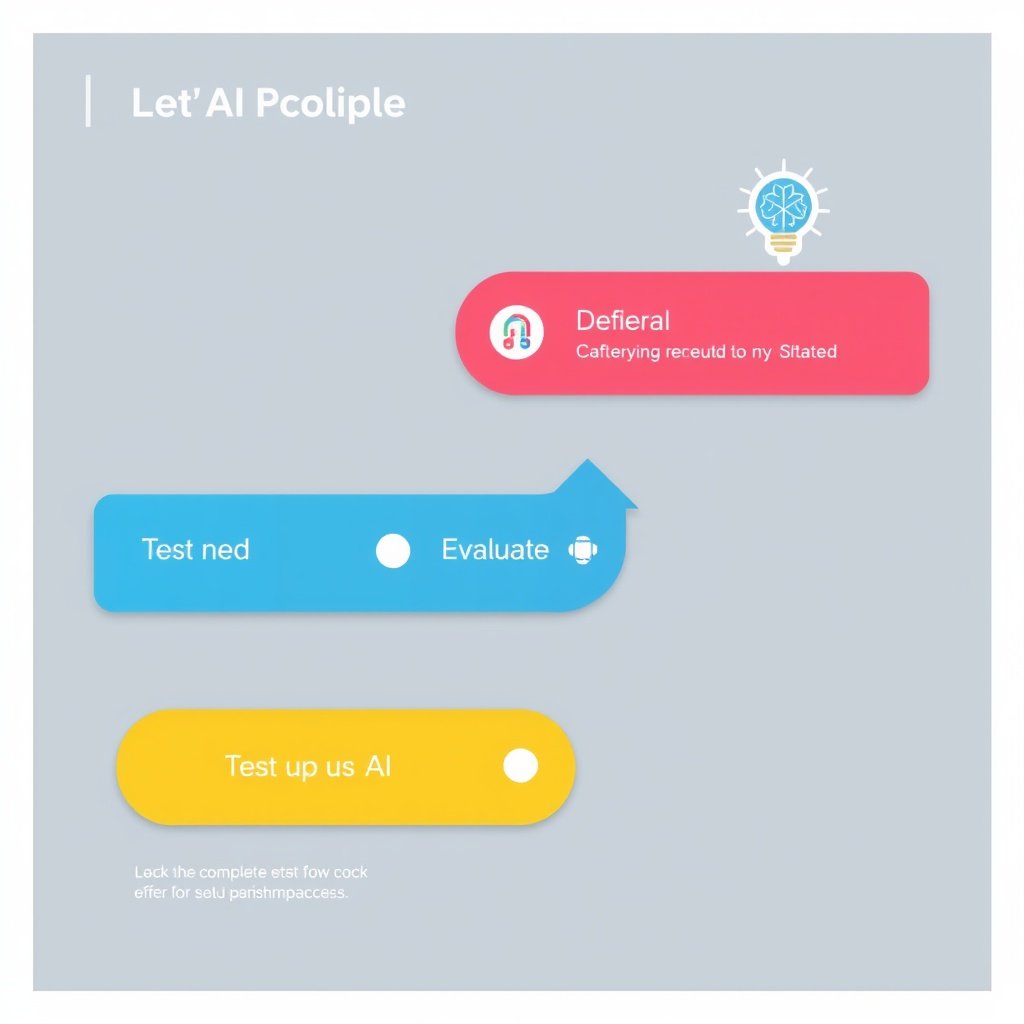
- Define your need – Are you writing, designing, translating, or editing?
- Select the right category – Writing (ChatGPT, Jasper), Design (Canva), Video (Pictory, Runway), Language (DeepL, QuillBot).
- Test the free version – Most tools allow unlimited free use or a trial.
- Evaluate usability – Choose tools with simple interfaces to avoid wasting time.
- Scale up when needed – Upgrade to premium only if you need advanced features.
👉 Pro Tip: Start with two tools—one for productivity (Grammarly, ChatGPT) and one for creativity (Canva, Pictory).
Real-Life Examples of AI in Action
- Students: Using QuillBot and Grammarly to write essays with better grammar.
- Freelancers: Using Canva and Copy.ai to create client projects faster.
- YouTubers: Using Pictory and Runway ML to edit and publish videos daily.
- Businesses: Using Durable AI to launch websites instantly without coding.
💡 Fact: According to Forbes, businesses that adopt AI save up to 40% in operational costs.
Challenges of Free AI Tools
While free AI tools are amazing, there are some limitations:
- Usage Limits: Many tools restrict the number of tasks per day.
- Feature Gaps: Advanced features are locked behind paid plans.
- Accuracy: AI isn’t perfect—it may still make errors.
- Over-Reliance: Relying only on AI may reduce creativity and originality.
👉 Solution: Use free versions for daily tasks, but verify outputs manually for accuracy.
Future of Free AI Tools

The future looks even more promising:
- AI tools will become more specialized (for legal, medical, or financial industries).
- Free tools will keep expanding features due to competition.
- Integration with AR/VR will make AI more immersive.
- AI will move from assistance to full automation of workflows.
💡 Prediction: By 2030, AI will save the average worker 25+ hours per month.
✅ Conclusion

Artificial Intelligence is no longer a luxury—it’s a necessity. The Top 10 Free AI Tool Websites in 2025 show us how easy it has become to create, design, write, and build without spending money.
From ChatGPT for conversations and brainstorming, Grammarly for polished writing, Canva AI for professional designs, to Runway ML for cutting-edge video editing—these tools are shaping the future of work and creativity.
If you’re new to AI, start with one or two tools, integrate them into your routine, and expand gradually. You’ll soon realize how AI can save hours of effort while boosting your creativity and productivity.
👉 Remember: The best tool is the one that fits your personal or business needs.
❓ FAQs
Q1: Are these AI tools 100% free?
Yes, most offer free versions with essential features. Paid versions unlock more advanced capabilities.
Q2: Which AI tool is best for students?
Grammarly, QuillBot, and DeepL are perfect for essays, assignments, and translations.
Q3: Which AI tools should content creators focus on?
Pictory, Canva, and Runway ML are best for videos and designs.
Q4: Do I need technical skills to use AI?
No. These tools are beginner-friendly and require little to no training.
Q5: Can I use AI tools for my business?
Absolutely. Start with free versions for cost savings, and scale up when needed.
🌐 Website Making
AI tools like Durable AI show how easy it is to build websites without coding. But if you want full control and long-term growth, creating your own website from scratch is the smartest move.
A well-built site can become your online home for blogging, business, or freelancing. Read my full guide on How to Make a Website for Free on Google (2025).
🌍 Online Earning
At the end of the day, AI is just one tool in the bigger world of digital opportunities. Whether it’s freelancing, YouTube, or e-commerce, there are many paths to success.
Check out my complete guide on 7 Easy Ways to Online Earning Money Without Investment.
10 Proven Ways to Earn Money Online.